Undetectability
For best experience and maximum stealth here are some tips
Play around the app in test mode. Learn the shortcuts on keyboard
For best usage try to leverage toggling of the app as much as possible.
The app does not steal focus from the window below, so when programming a solution use the toggle hotkey (⌘+B [Mac] or Alt+B [Windows]) as an overlay to the below coding window
To avoid eye tracking, overlay the desktop app by moving it to the ideal position so that there would be minimal eye movement.
The app is designed to be completely invisible to interviewers while providing you with instant solutions:
Your View (With AI)
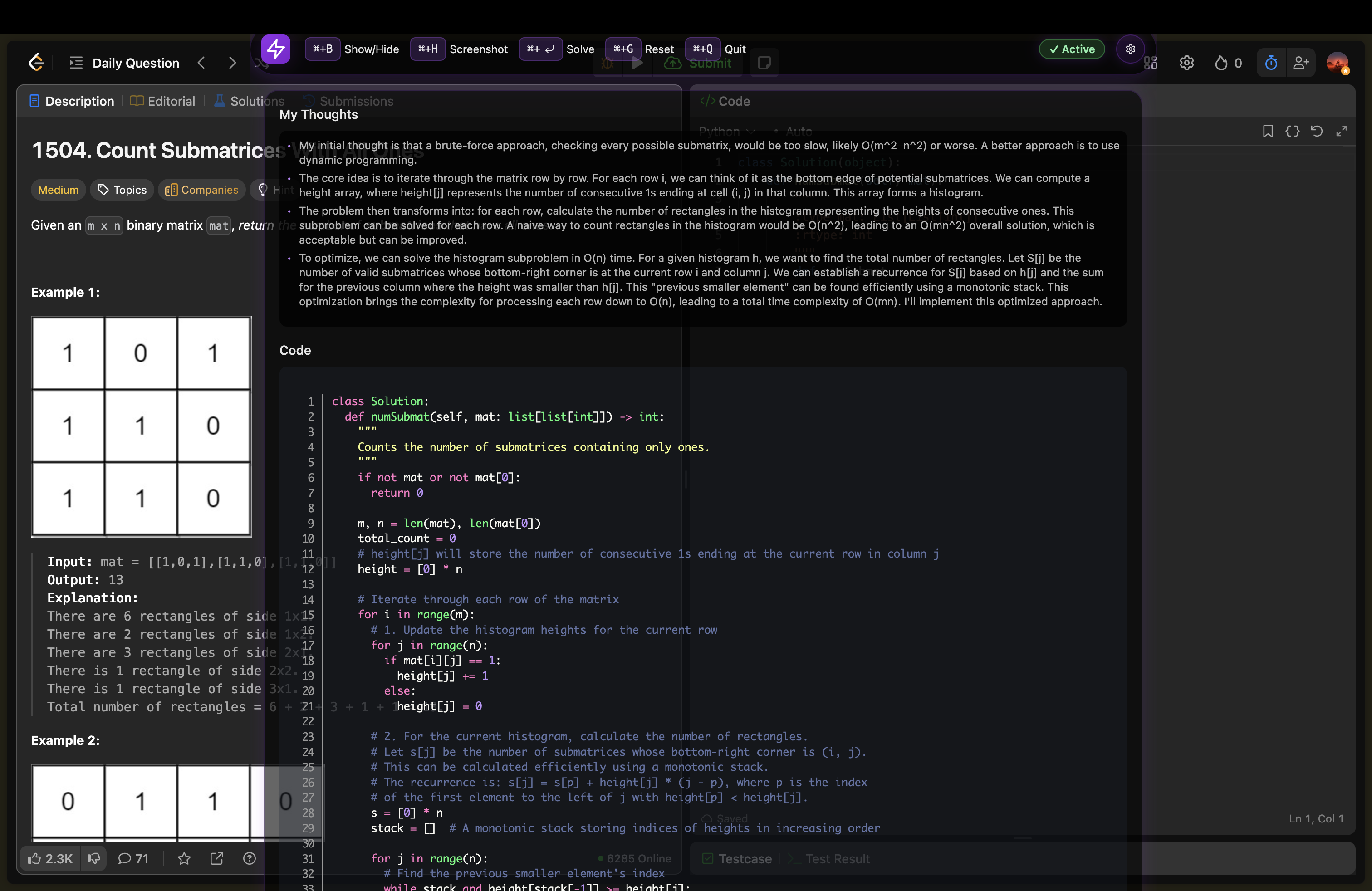
You see solutions, explanations, and AI assistance
Interviewer's View (Clean)
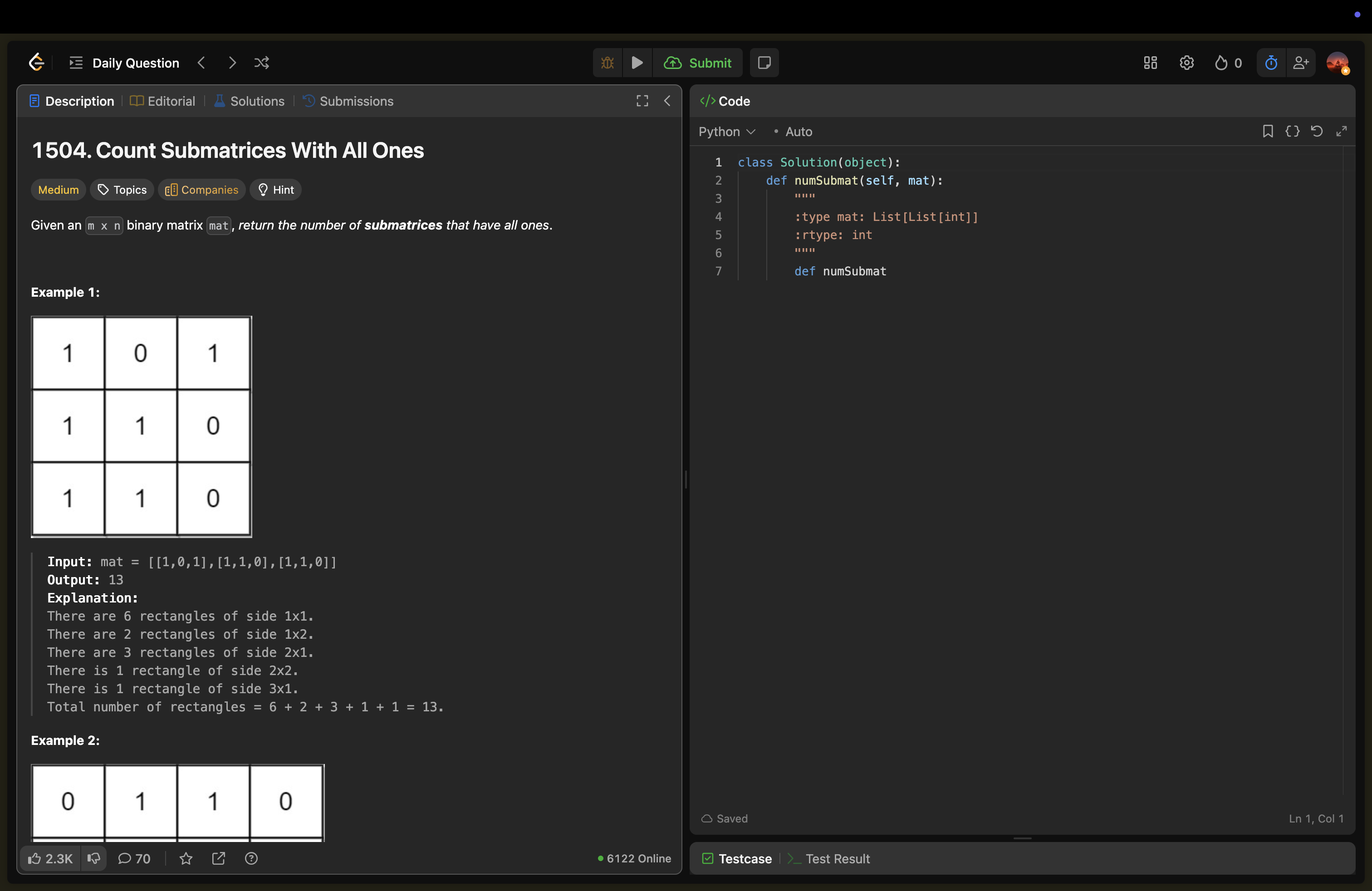
Interviewer sees only your professional coding setup
Toggle Visibility
⌘+B(Mac)Alt+B(Windows)
Move App
⌘+Arrow Keys(Mac)Alt+Arrow Keys(Windows)
Pro Tip
Practice these techniques before your actual interview to build muscle memory and confidence with the app's stealth features.