Getting Started
Follow this step-by-step guide to set up your AI interview assistant.
Quick Start Guide
Follow these 8 simple steps to get up and running quickly:
1
Download the desktop app
2
Install the application and give it permission to access your screen and internet access
3
Create an account - Sign up or log in on the website
4
Click sign in from the desktop app
5
Before subscribing, ensure you pass the basic checks.
6
Subscribe to a plan from the profile page on the website
7
Configure your language preferences on the desktop app. Select your engineering role aptitude
8
All done! Now go and crack that interview
How It Works
Coding Interview Buddy provides instant AI solutions while remaining completely hidden from interviewers. Here's how it works:
What You See
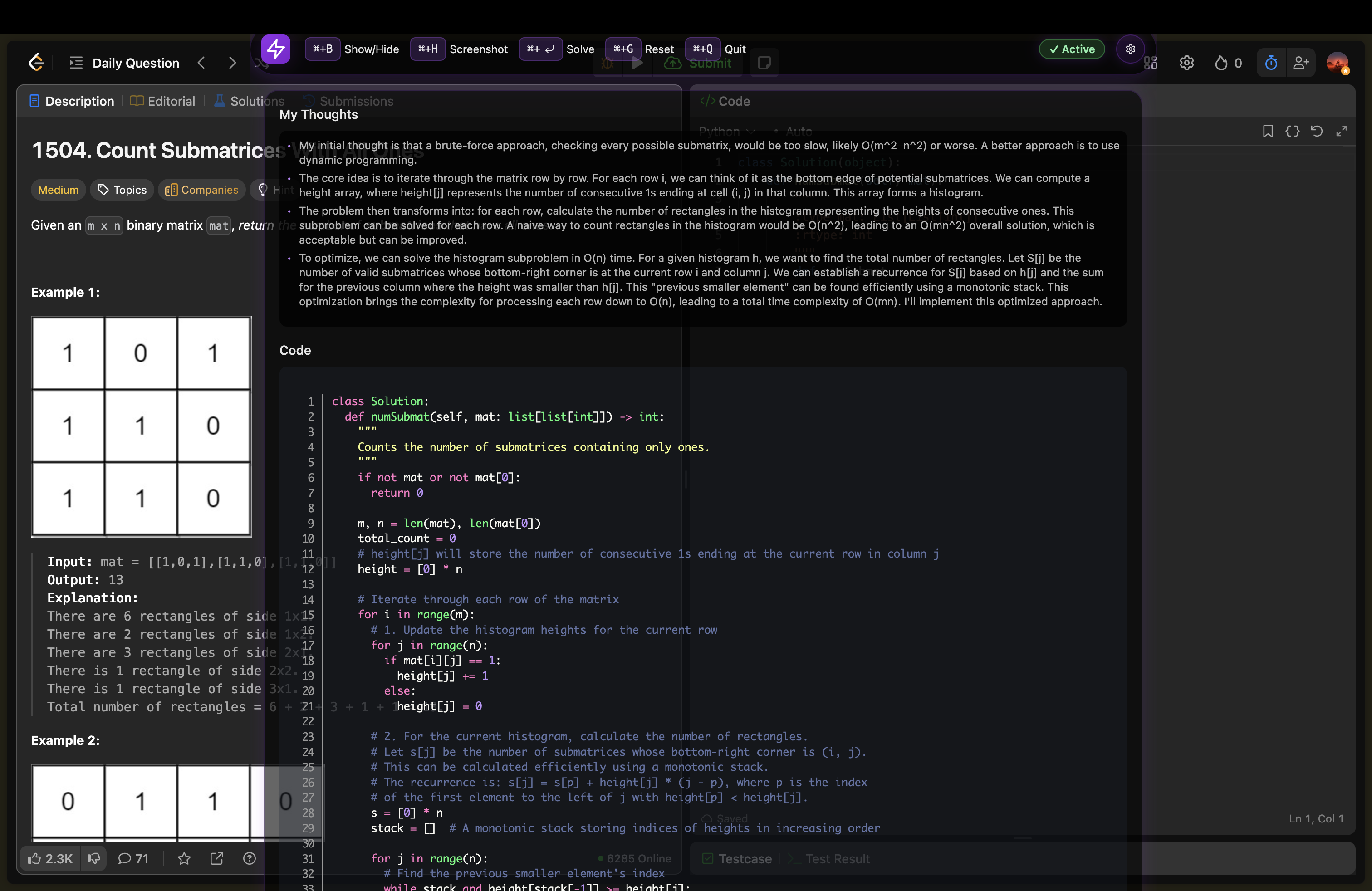
You get instant solutions and explanations
What Interviewer Sees
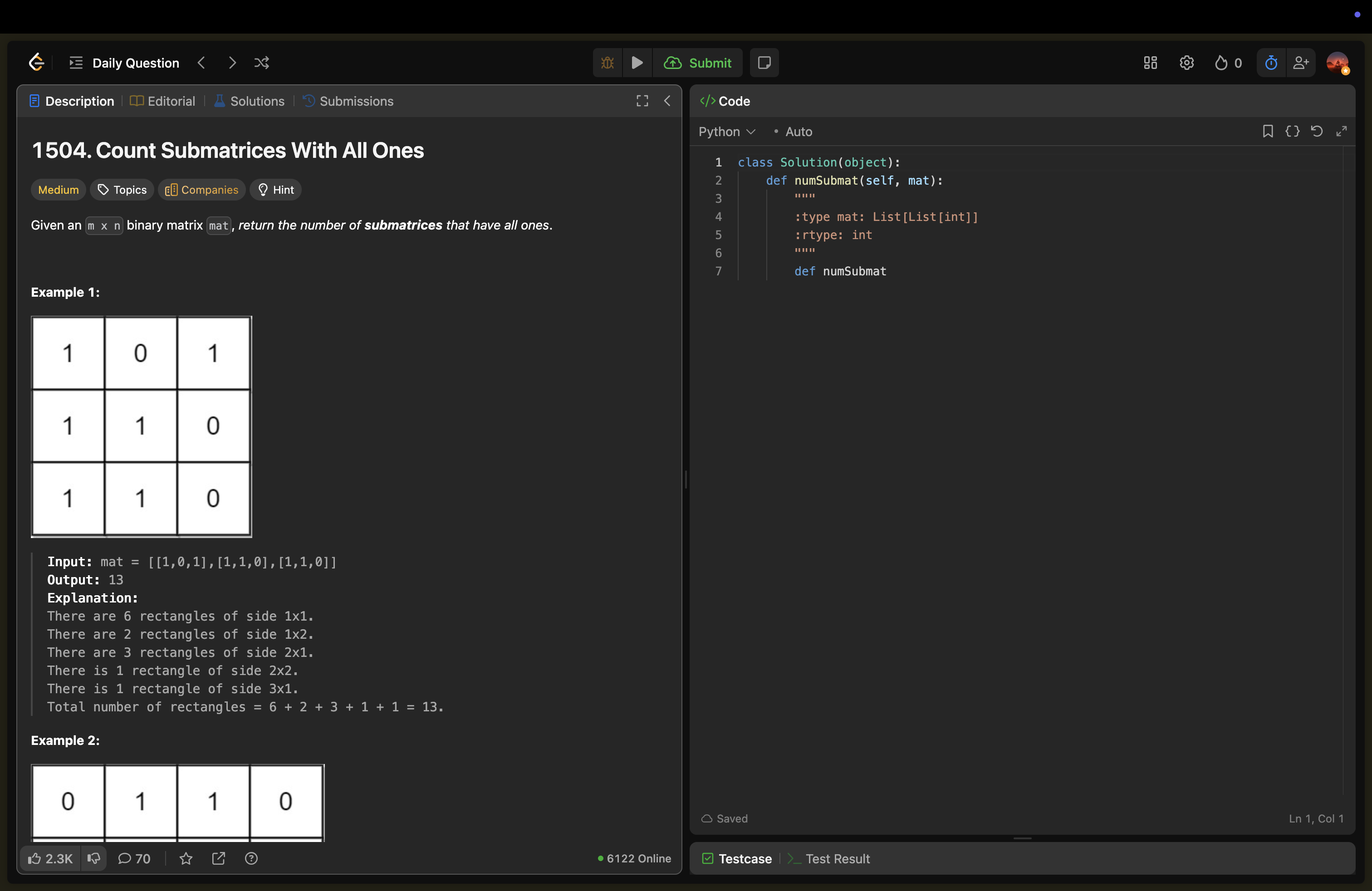
Interviewer sees only your clean coding environment
Video Tutorial
▶
Complete Setup Guide
Watch our comprehensive video tutorial covering the entire setup process from download to first use.